Mend.io Plugin
Published on December 5th, 2025Introduction
Mend.io provides an open-source Backstage plugin that is available within Roadie. The plugin allows you to review and address newly introduced vulnerabilities that Mend has identified in your codebase, either as a standalone Mend.io page within Roadie or as a tab on an entity page.

At a Glance
| Prerequisites | Entities that represent repositories must be present within Backstage to see Mend.io results. This plugin works with Github, Bitbucket Cloud, Azure and Gitlab. |
| Considerations | |
| Supported Environments | ☐ Private Network via Broker ☐ Internet Accessible via IP Whitelist ☒ Cloud Hosted |
Mend.io Pages and Tabs
The Mend.io plugins provides the possibility to retrieve and display identified vulnerabilities and other content from Mend.io within your Roadie instance.
Setup
Retrieve your Activation Key from Mend.io
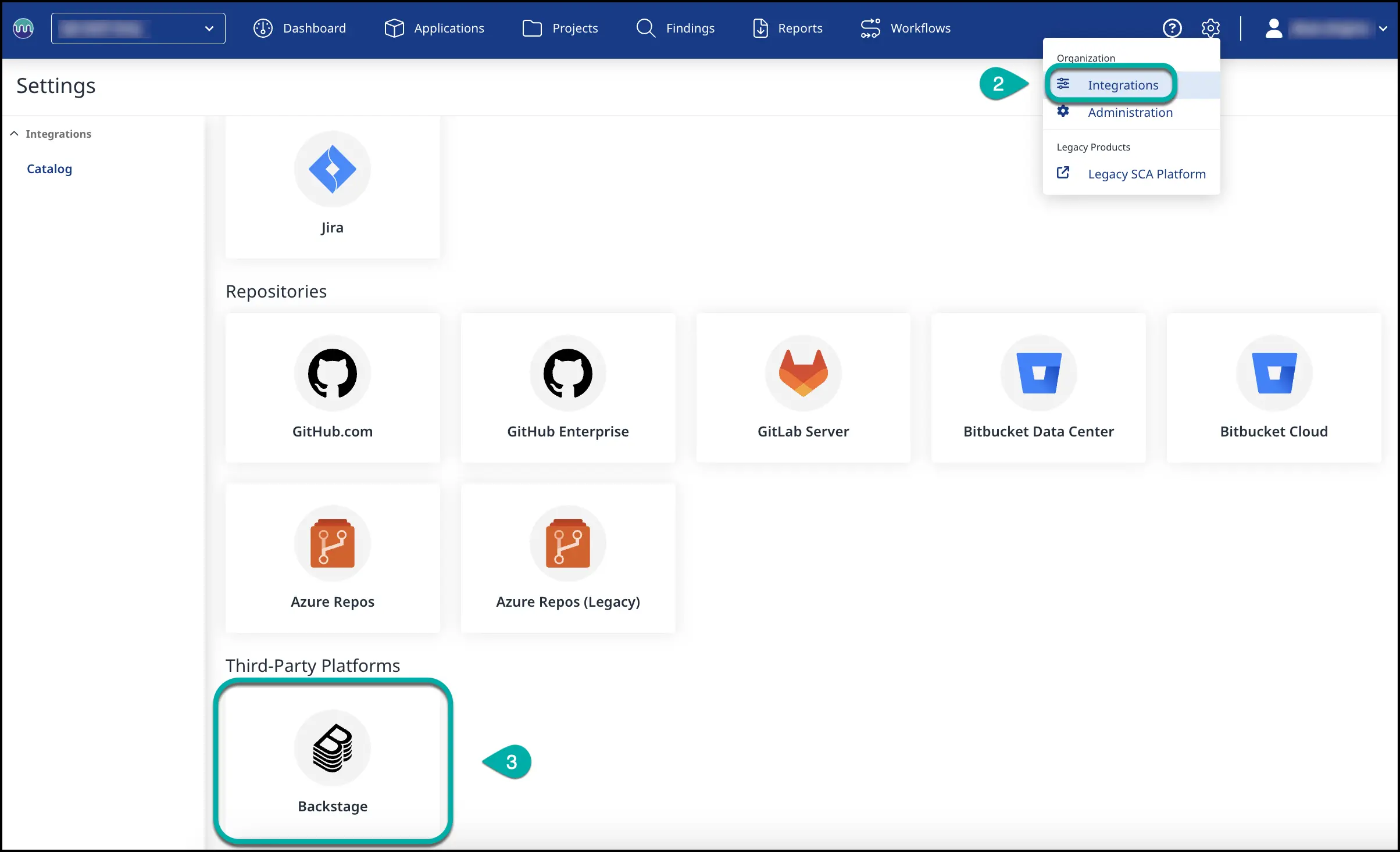
To use this plugin you must first add an Activation Key from Mend.io to your Roadie instance.
Details on how to retrieve your Activation Key can be found in the Mend.io docs on how to retrieve your Activation Key.
Set your Activation Key in Roadie
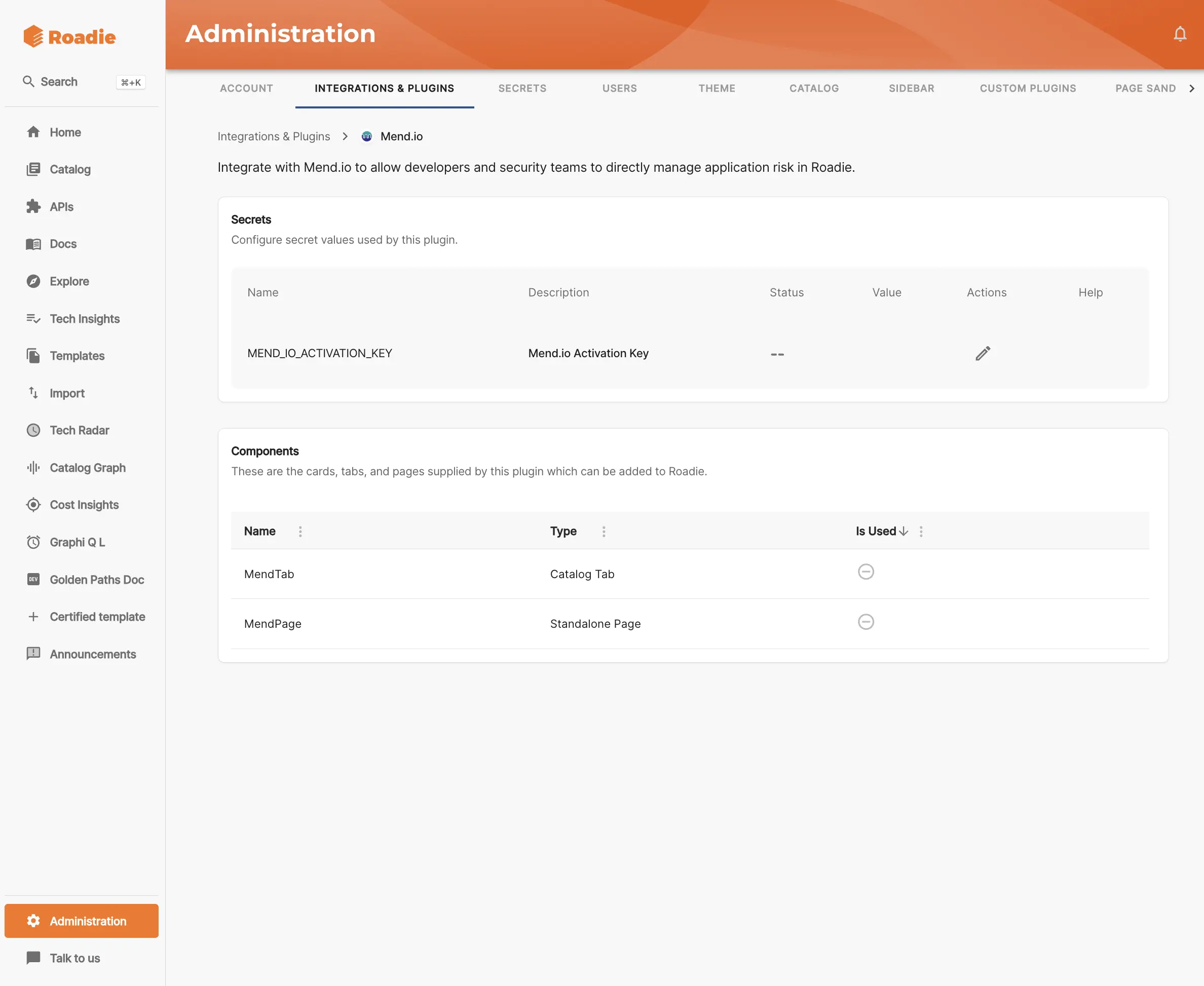
Once you have an Activation Key, the Mend.io plugin can be configured through the Roadie UI. Navigate to https://<tenant-name>.roadie.so/administration/settings/plugins/mend and add your Key.
Add Mend.io Page
-
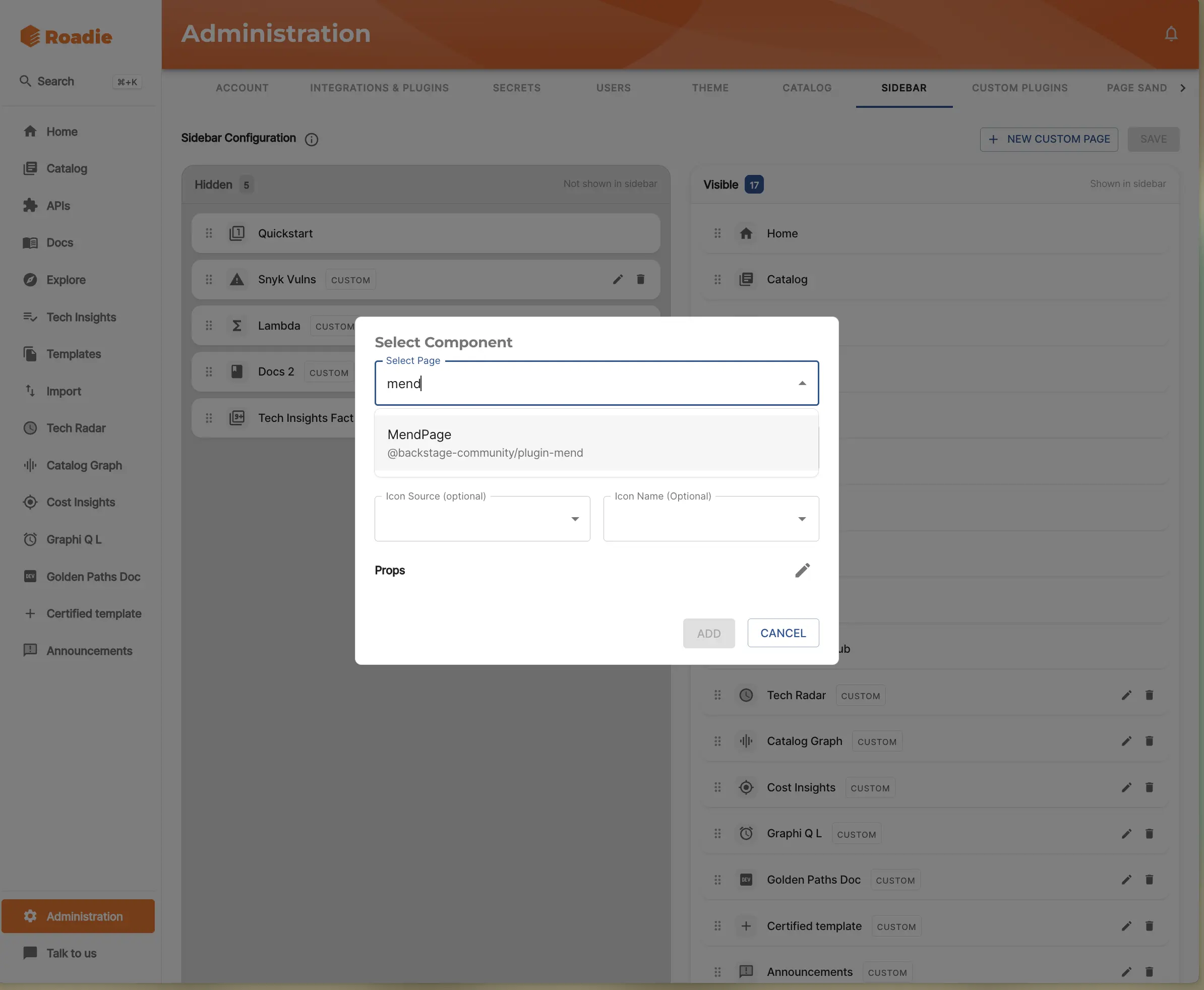
To enable the Mend.io Page go to the
Adminarea and navigate to the Sidebar tab. Once you are in the Sidebar tab, selectNew Custom Page. -
Select the
MendPagefrom the Select Page dropdown -
Amend the Title as you see fit. The default is Mend.
-
Amend the Path as you see fit. The default is
/mend. -
Add an icon that will appear in the Sidebar for this page.
-
Click
Addonce you're done.
Adding the Mend.io Tab to Entity pages
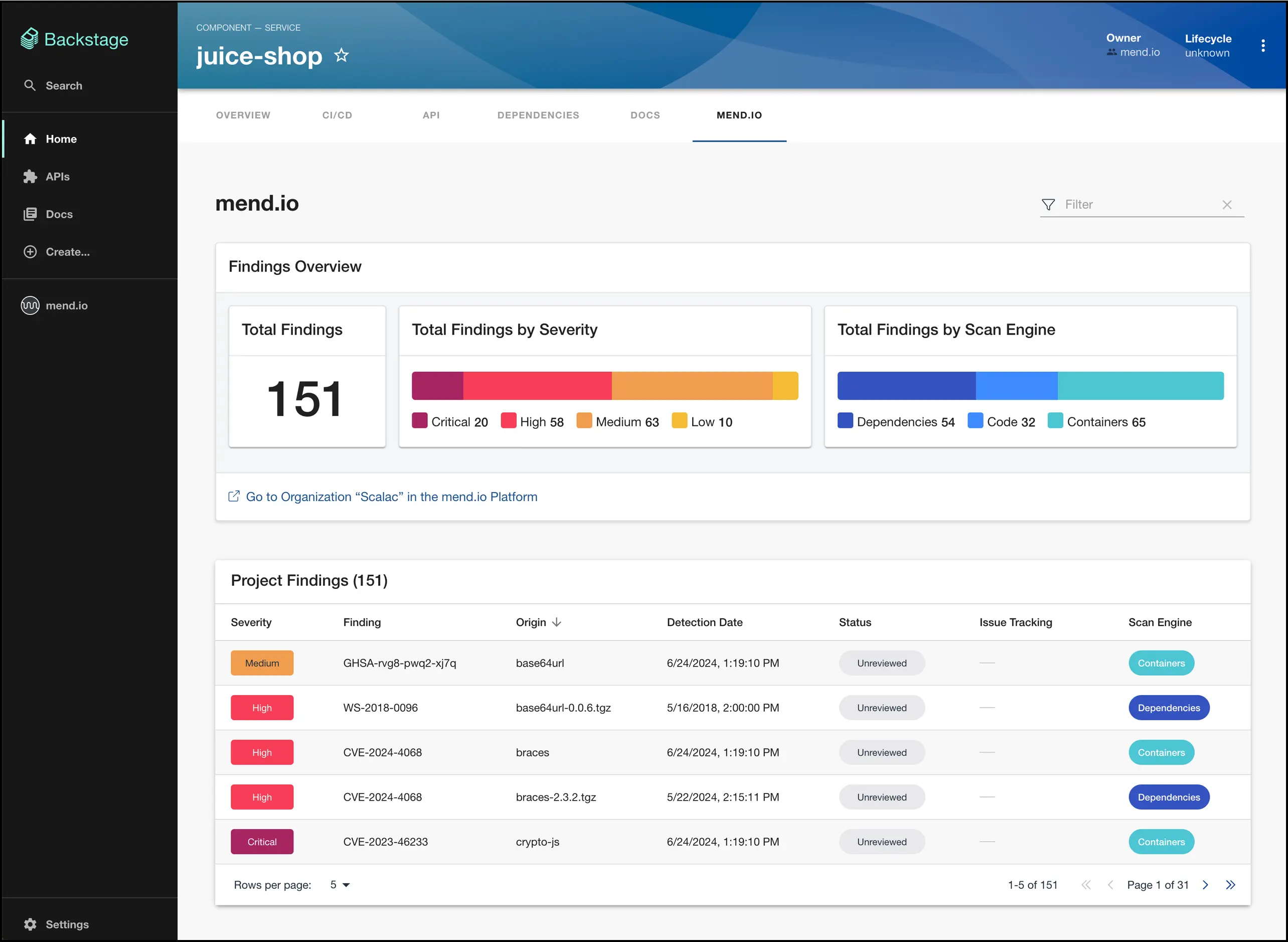
To add the Mend.io Tab to a relevant entity you can navigate to a given entities' page and click the + icon. You will need appropriate permission to edit the layout of a page to achieve this - usually this is part of the Admin default role.
-
Select the
MendTabfrom the Select Tab Content dropdown -
Amend the Tab Name as you see fit. The default is Mend.
-
Click
Create and Reload Layoutonce you're done.

NB: The entity for a repository must be present within Backstage to see the Mend results. The plugin works with SCMs like Github, Bitbucket Cloud, Azure Repo and Gitlab. Often this will also require you to include a catalog-info.yaml file within the repository.
